
VideoLens — Video to Prompt
Turn any video back into a copy-ready AI prompt. Paste a Douyin / Xiaohongshu link or upload a clip — VideoLens reverse-engineers the shots, transcript and style into ready-to-generate Seedance prompts.
Screenshots
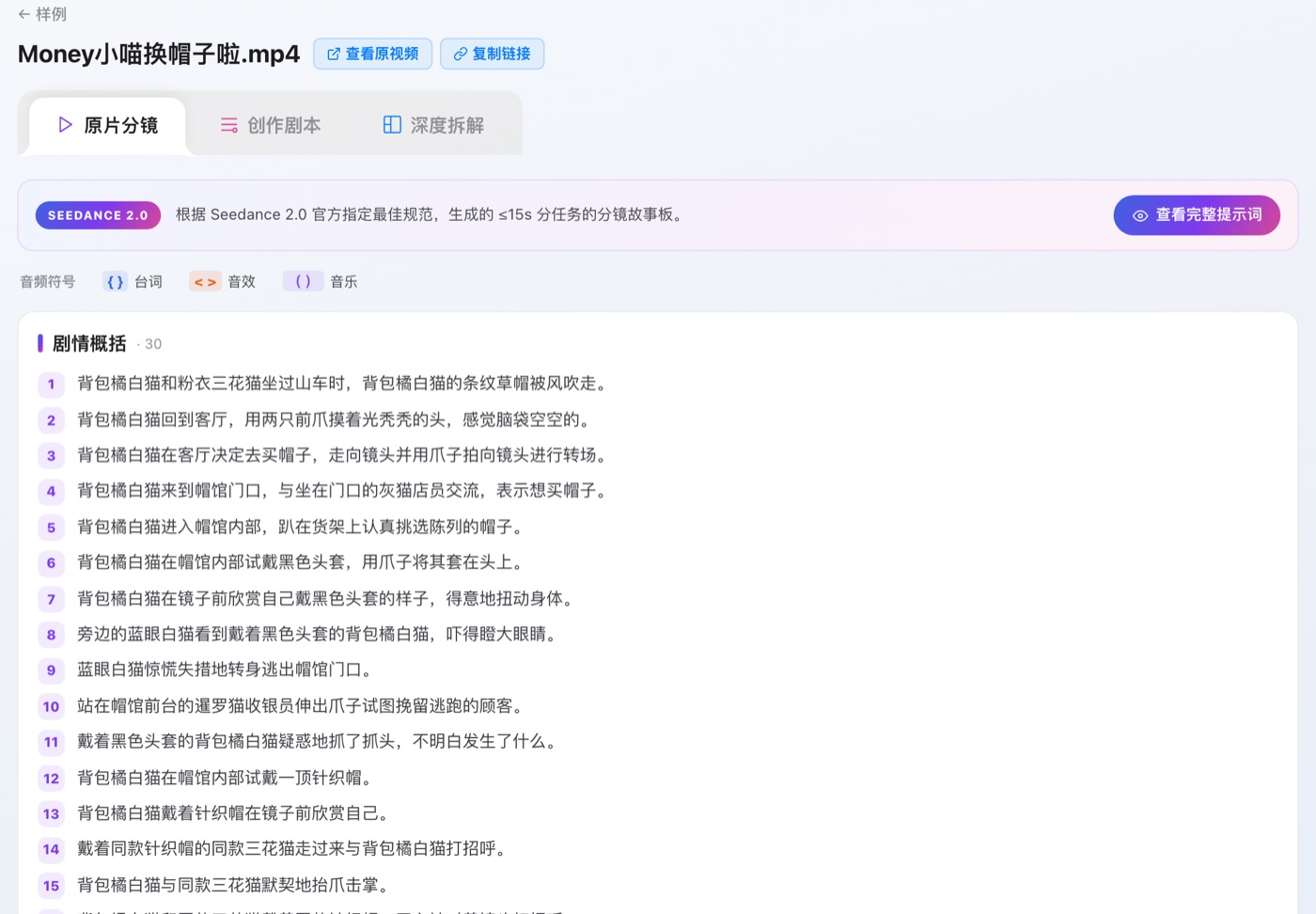
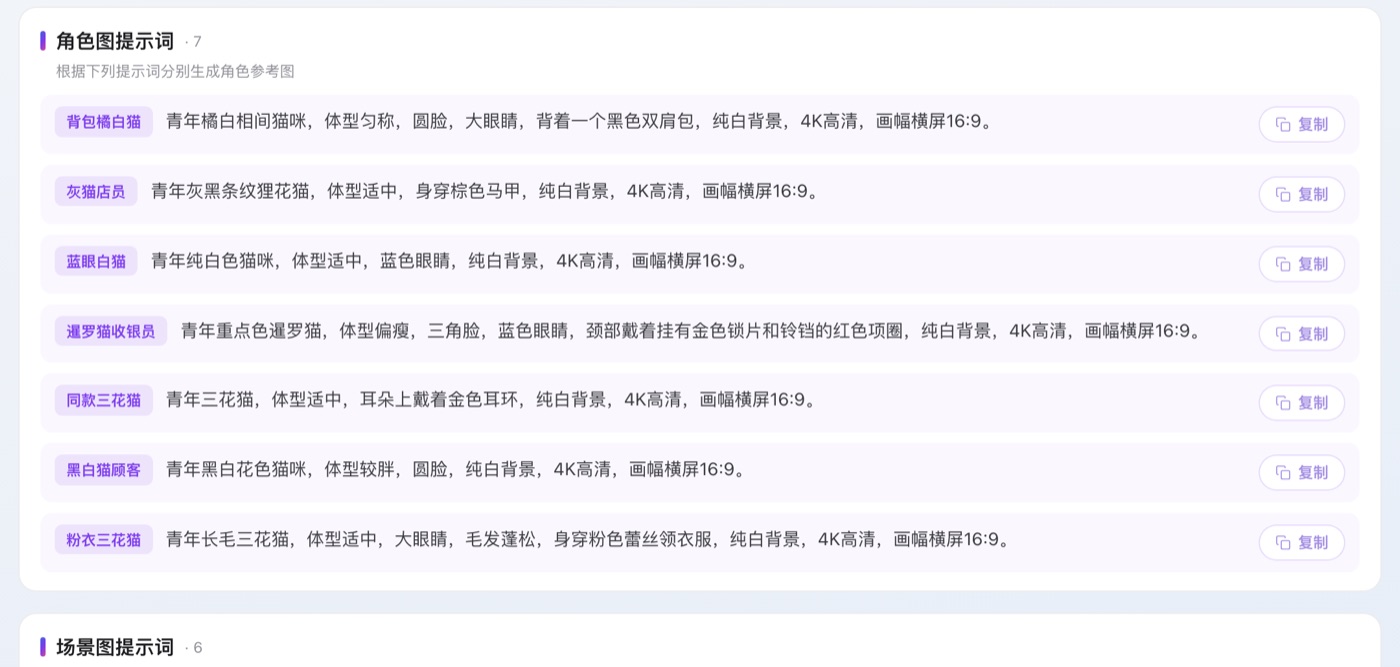
Real VideoLens breakdown reports (public samples).
What you get
Drop a Douyin / Xiaohongshu link or upload a clip (a still image works too) and get one report — from what is literally there, all the way to prompts you can run.
Read the video
First what is literally there, then the read on top of it — why the clip works.
- A second-accurate transcript, kept in its original language
- On-screen captions and motion text, BGM and key sound effects, shot and duration overview
- What kind of video it is and why, a synopsis, its audience and emotional register
- Structure and pacing: twist, sandwich, problem-solution, escalating selling points…
- The type of hook in the first 3–5 seconds, and how each later beat holds attention
Shot list & shooting script
In deep-analysis mode, broken down shot by shot — detailed enough to reshoot from.
- Per shot: lighting, framing and shot size, wardrobe and props down to colour and cut
- Per shot: performance and eyeline, camera move and transition, ambient sound, narrative function
- Across the film: grade, aspect ratio, caption styling, BGM and voiceover delivery
- A full timeline table: time, scene, key action, dialogue and sound, narrative beat
Prompts & playbook
Prompts you can run as-is, plus the playbook to reuse on your next video.
- Bilingual prompts, ready for Seedance, Sora, Kling or Runway
- Auto-split shot by shot: subject, scene, action, camera, lighting, style, parameters
- Upload a still image and it reverse-engineers the prompt behind it too
- The genre’s craft techniques and why they work, its top 3 moments, a reusable copy framework
- Upgrade suggestions and platform tags to post with
How it works
Paste a link or upload
Drop a Douyin / Xiaohongshu link, or upload a video clip.
VideoLens analyzes it
It reverse-engineers the shots, transcript and visual style of the video.
Get your prompts
Copy a deep-dive breakdown report and ready-to-generate Seedance prompts.
Pricing
Pay once for video minutes — no subscription, no auto-renewal. Prices in RMB, tax included.
How to buy
Choose a plan
Pick a minutes pack here or inside VideoLens to open the order page.
Enter your account
Enter your VideoLens account email and confirm the order.
Pay with Alipay
Complete payment in Alipay. The payee is Ruizhe Full Stack Technology (Beijing) Co., Ltd.
Credited instantly
Minutes land in your account as soon as payment succeeds — sign in and start.
FAQ
How are minutes counted?
By the actual length of each video you upload — a 15-second clip uses 15 seconds.
How long are minutes valid?
30 days from purchase. Unused minutes expire after that.
Can I get a refund?
Delivered digital goods are not refundable without cause; duplicate charges or payments that never arrive are refunded in full — see the Refund Policy.
Can I get an invoice?
Yes. Email your order number and billing details to support@ruizhestack.com.